Account Deletion Manual
This page provides a step-by-step guide on how to delete your account. Please follow the instructions carefully.

Step 1: Login
To delete your account, you first need to login. Click the "Login" button to proceed.

Step 2: Navigate to Profile Page
After logging in, navigate to your profile page by clicking the "At your Name or Number" button in the left bottom of the menu bar.
Step 3: Delete Your profile
You need to click the "Delete Account" button. After that, you will be prompted to verify your account with an OTP.
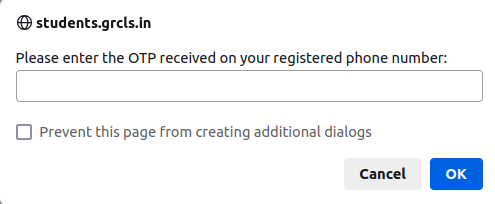
Step 4: Verify OTP
In this step, you will be prompted to verify your account with an OTP. Enter the OTP in the input field and click the "Verify OTP" button.
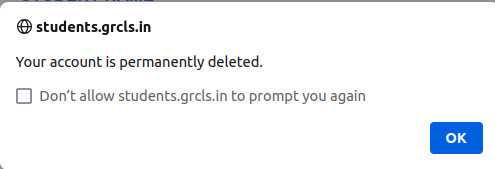
Account Deleted
After successful OTP verification, your account will be deleted, and you will be redirected to home page.
Deleted Details
This will delete all your details from our database, including your name, email, phone number, associated branch, stream, batch, and any other details associated with us.